
There is no APK or app
Gacha GD runs entirely in the browser tab: the cards, the pack timer and your collection are all part of the page. That is why there is nothing to download on Android, iPhone, iPad, Chromebook, Windows or Mac — the same address works on all of them.
If a site offers a “Gacha GD APK”, an .exe or a browser extension, treat it as unrelated to this game. See the safety check for other red flags.
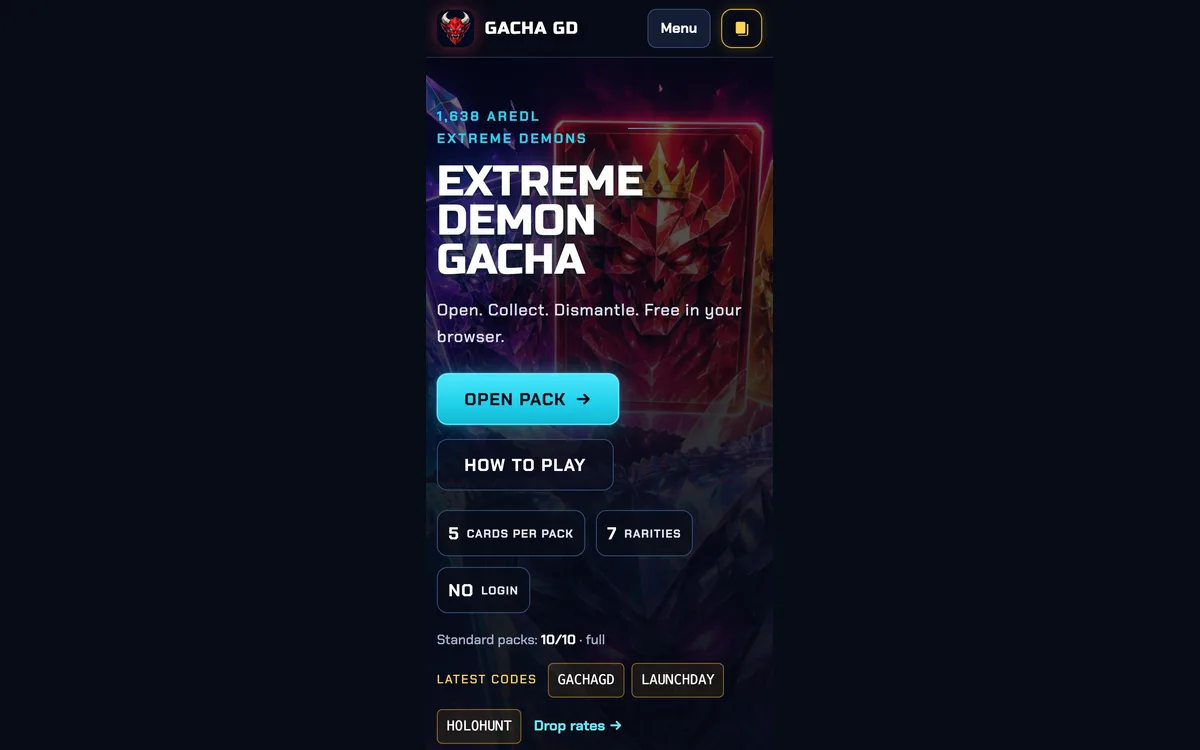
Add it to your home screen
A home-screen icon opens the game in one tap, like an app. These are browser features, not an app-store install.
- iPhone / iPad (Safari): open the homepage, tap the Share button, then Add to Home Screen and Add.
- Android (Chrome): open the homepage, tap the ⋮ menu, then Add to Home screen or Install app if Chrome offers it.
- Desktop Chrome or Edge: use the install icon at the right of the address bar if it appears, or the browser menu’s install / create shortcut option.
Login is optional — there is no login at all
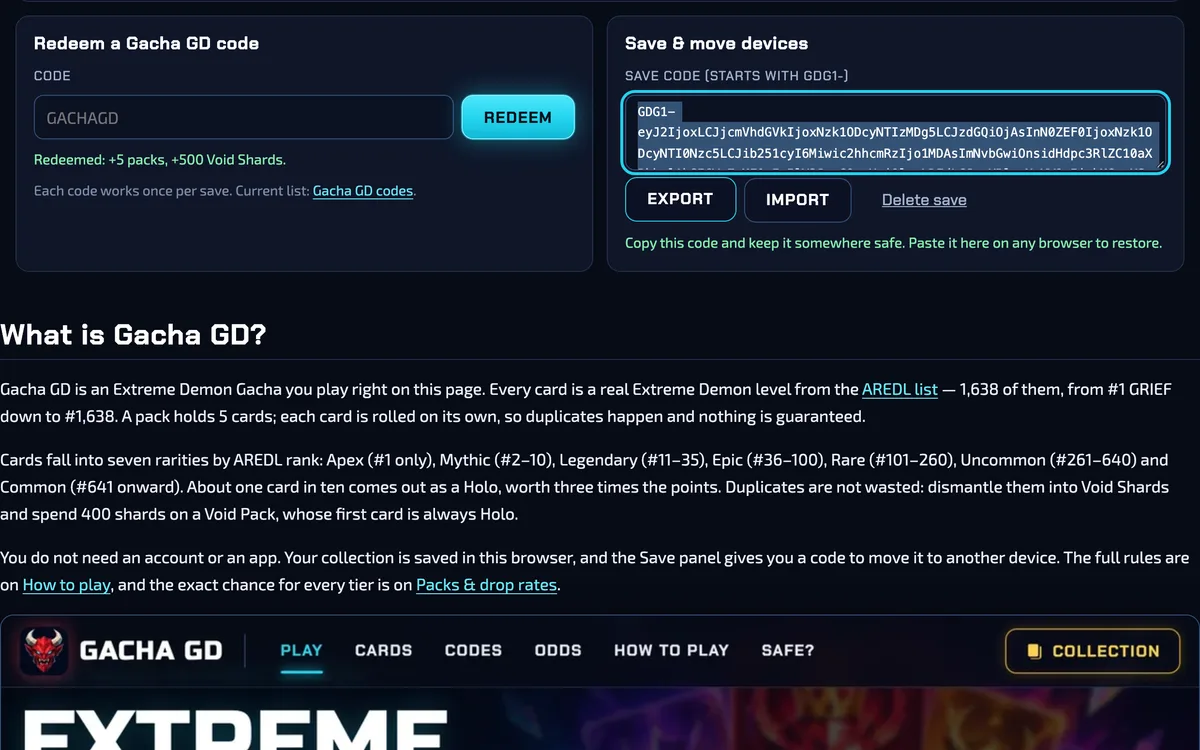
Gacha GD has no accounts. Your collection saves in your browser under gachagd_save_v1. To play on a second device, press Export in the Save panel, copy the code that starts with GDG1-, and paste it into Import on the other device.
Clearing browser data or using a private window deletes the save when the window closes, so export before you do either. Looking for the Discord login of gachagd.com or demongacha.com? Those are separate sites — see the comparison.
Playing on school or work networks
Gacha GD is an ordinary HTTPS web page with no plugins, so on most networks it simply loads. If a school or workplace filter blocks it, that is that network’s rule; this site does not offer proxies, mirrors or ways around filters.
FAQ
Is there a Gacha GD APK?
No. Gacha GD is a browser game; use the home-screen shortcut instead of an APK.
How do I log in to Gacha GD?
You do not need to. There are no accounts; your save lives in your browser and moves with an export code.
Can I play Gacha GD online for free?
Yes. Every pack type is free; Void Packs cost Void Shards earned in the game.
Sources
- Chrome Help — use web apps — installing a site as an app in Chrome; checked 2026-11-28
- web.dev — Installation — how browsers offer to install a site; checked 2026-11-28